Task Planning
Introduction
In our daily work, we often need to handle numerous complex tasks.
Many AI conversation and generation tools are available on the market today, often enhanced with capabilities like web search, content uploading, and prompt presets. However, in a real-world scenario, completing a single task often requires multiple steps, each potentially involving one or more AI or traditional tools.
Traditional conversational AI tools typically handle tasks in a single, linear thread within one conversation. If a task requires parallel processing, cross-referencing, or interconnected steps, the user must consciously plan the workflow, often using external tools to outline steps and track progress (which could range from a few notes to complex diagrams and documents). This forces users to constantly switch between multiple AI conversations, struggling to find context. This process places high demands on the user's memory, organizational skills, and ability to manage the AI's contextual understanding.
Therefore, we introduce Task Planning to assist you from the very moment you receive a work assignment. It helps clarify key information such as the task objective and background. Using a mind map, it visually presents the task breakdown, execution steps, and specific details, guiding you to structure your work logically. During the execution process, it leverages the latest large model capabilities and various tool integrations to accelerate your workflow, ultimately producing materials like text, images, files, and documents that you can use to deliver your final work results.
Main Workflow
- Describe your task objective, for example: "I am considering whether to buy XX stock. Please help me analyze it from perspectives A, B, and C." You can also upload or reference associated knowledge bases and files, adjust the chat persona, and enable or disable the web search function.
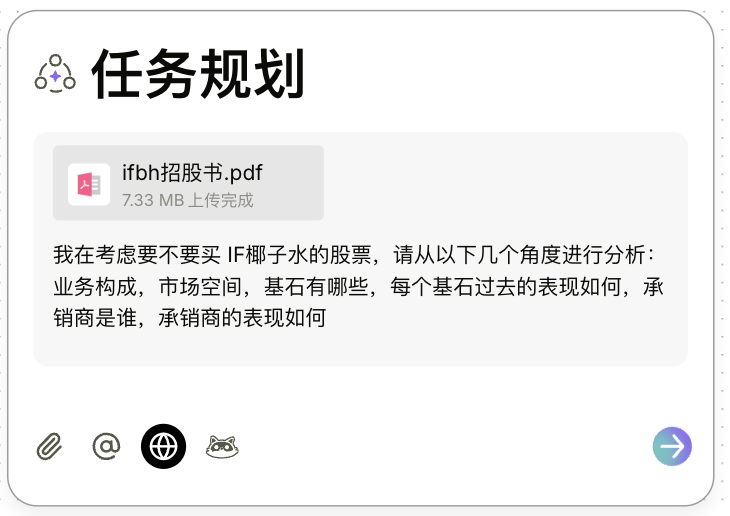
- The system will automatically determine if further clarification is needed based on your description.
- Once the system determines that it has sufficient information, it will generate a corresponding Goal List and Task List for you. If you need to adjust the descriptions or items in either list, you can edit them directly on their respective cards.
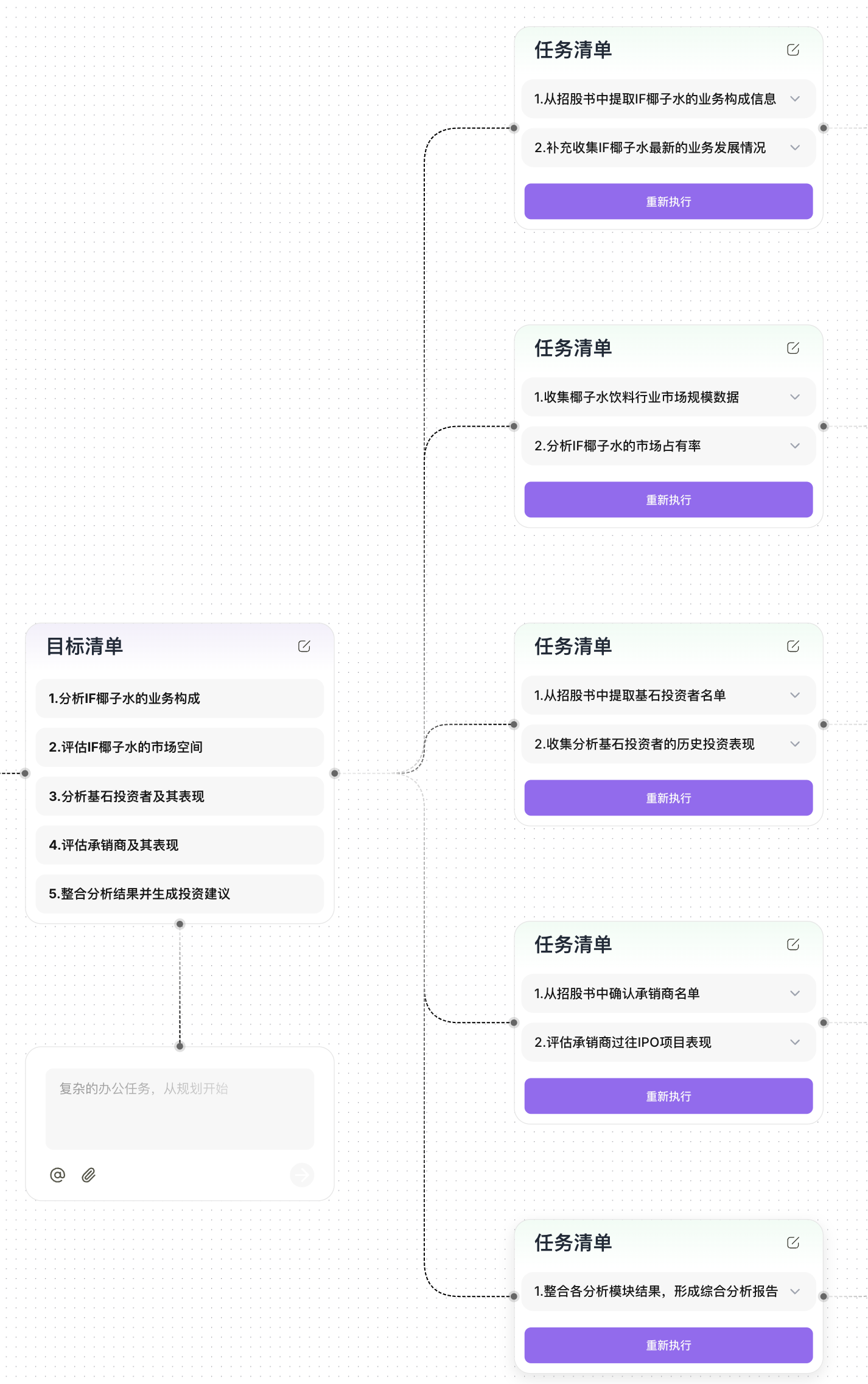
- After you confirm that the Goal List and Task List are correct, click the "Execute" button on the first task in the list. The system will automatically perform the analysis and generate a report for each step.
- If you believe the result of the current task does not meet your expectations, you can click the
Re-executeorStopbutton on the task card to intervene.
- If you believe the result of the current task does not meet your expectations, you can click the
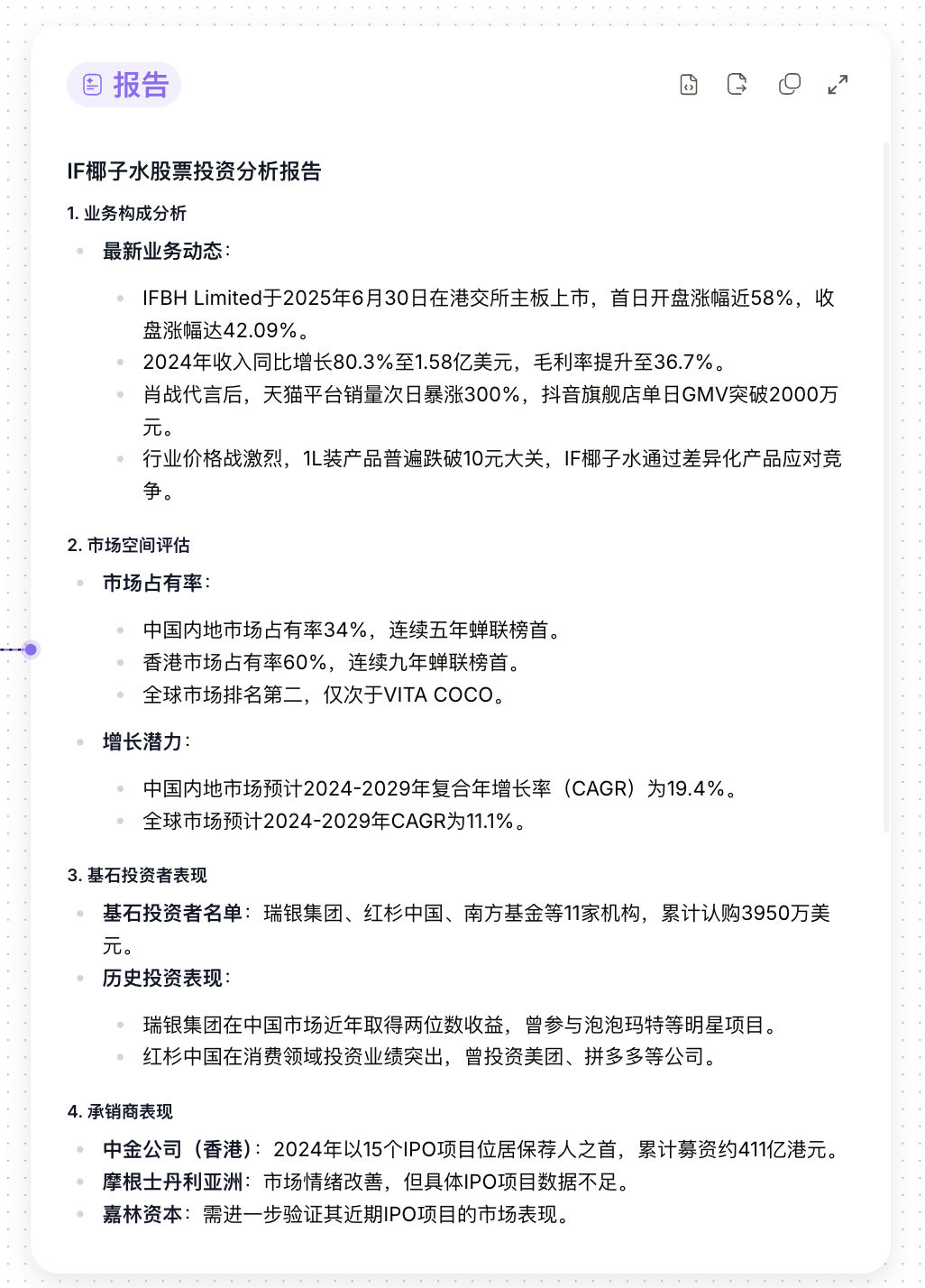
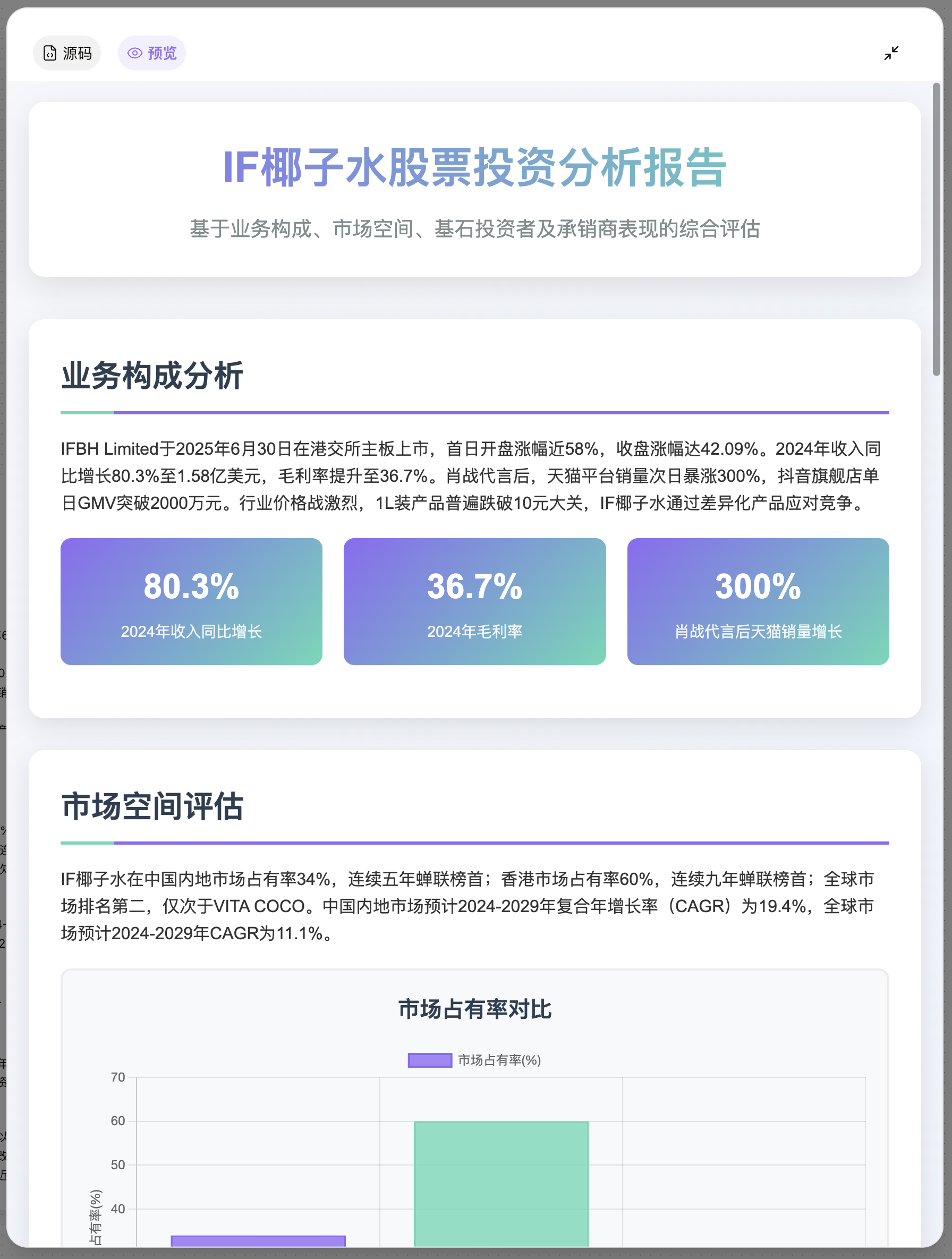
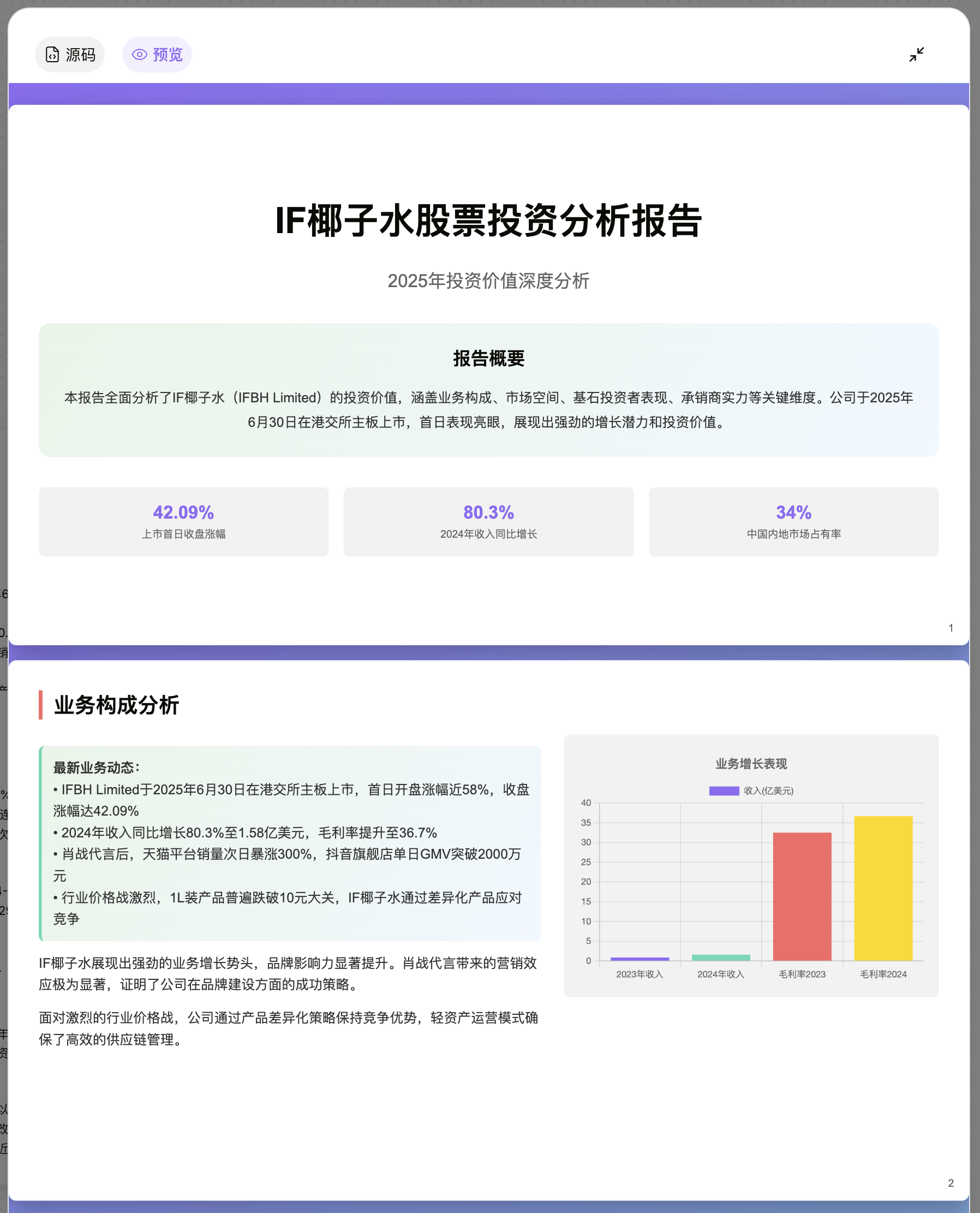
- Finally, the system will generate a complete written report for you. You can view and export the content from any report card, or convert the final report into a webpage or a PPT for preview.